PayPal - Pay, Send, Save
- 4.2
- Rating
- 100.00M
- Installs
- Free
- Price

 Analysis by App-foxy
PayPal is the kind of finance app I reach for when money needs to move without turning the task into a phone call, a bank visit, or a long exchange of account details. I tested it as a mobile wallet for sending and receiving money, paying while shopping, and checking activity on the go. My overall impression is practical rather than glamorous: when the connection is good and the recipient already uses PayPal, it can make a small payment feel remarkably simple. When the connection is weak, however, the experience becomes much less predictable because the important steps depend on live access.
That balance matters more than the polished interface. PayPal Mobile develops the app, which is free and rated for Everyone, and it sits in the finance category rather than trying to be a full replacement for every banking service. Its store summary focuses on sending and receiving money, shopping, and paying in 4. I found that description accurate as a starting point, but the real question is how comfortably those tasks fit into your everyday routine and how well you handle moments when the app cannot immediately reach its service.
How PayPal feels when your connection is part of the payment
The first thing I noticed is that a reliable network is not just helpful here; it is part of the experience. Opening the app, signing in, loading balances or activity, choosing a recipient, and confirming a transaction all involve information that needs to be current. A payment app cannot safely assume that an old screen tells the whole story, so a delayed connection can interrupt the flow at exactly the moment when you want certainty.
In-Depth Coverage of PayPal - Pay, Send, Save
That is especially noticeable in a shop. Imagine standing at a counter with a queue behind you, trying to pay from your phone. With a strong connection, the process is straightforward: open the app, select the relevant payment action, review the details, and complete the confirmation. With a poor signal, the same sequence can turn into repeated loading, a screen that needs refreshing, or uncertainty about whether the action went through. My advice is simple: do not keep tapping a confirmation control just because the screen appears slow. Pause, check the visible activity or confirmation state, and avoid creating duplicate attempts.
The same issue appears when sending money to a friend. PayPal is convenient when both people are already comfortable with it, but convenience depends on selecting the right person and seeing current information before confirming. A contact name can be familiar while still being ambiguous, particularly if several people have similar names. I would always review the recipient details and amount before the final step, especially when the connection has been intermittent and the screen has taken time to update.
The strongest habit with PayPal is treating every confirmation as a deliberate checkpoint, not as a button to press repeatedly. That sounds obvious, yet it is one of the most useful ways to avoid confusion in a mobile payment workflow. If the app appears stuck, I wait for a clear result and then inspect the transaction activity before trying again. This is more sensible than relying on a notification alone, because notifications can arrive late or be missed while you are moving between apps.
Where a phone makes the app genuinely useful
PayPal works best in mobile situations where the alternative is awkward. Splitting the cost of a meal with a friend, reimbursing someone for a shared purchase, or sending money while away from home are all natural examples. I like that the phone puts the task in the same place where I may already be checking a message or confirming a purchase. The app can reduce the friction of finding cash or entering bank details into an unfamiliar checkout.
There is also a useful separation between casual transfers and shopping. If I am paying a person, I focus on the recipient and amount. If I am paying a merchant, I focus on the purchase context and the final total. Keeping those mental categories separate helps prevent a rushed mistake. A crowded checkout is not the right place to skim the screen, and a quick friend-to-friend transfer still deserves a careful recipient check.
The mobile format is less ideal for people who prefer to review finances on a large screen. A phone is excellent for a quick action, but it encourages short glances. If you need to compare many transactions, investigate a complicated payment history, or make a detailed household record, I would rather use a larger device or a dedicated banking tool alongside PayPal. The app is strongest as an accessible transaction layer, not necessarily as the only place to organize every part of your financial life.
One practical use case is a shared household purchase. Suppose a roommate buys something for the apartment and asks you to contribute. I would open the app only after confirming the exact amount in the conversation, then check the recipient carefully, send the payment, and retain the resulting activity entry as my reference. That workflow is better than relying on memory, screenshots taken before completion, or a vague message saying the transfer was “probably” successful.
Another use case is travel. A phone-based payment option can be convenient when you are already carrying the device, but travel also exposes the app to crowded networks, weak mobile coverage, and unfamiliar checkout conditions. I would not make it my only plan for an important purchase. Keeping another payment method available is sensible, not because PayPal is uniquely unreliable, but because any network-dependent financial app can become inconvenient when connectivity disappears at the wrong time.
You May Also Like

 Blood Strike: 2.5 Anniversary
Blood Strike’s Loadouts Turn Every Drop Into a Tactical Gamble
A close look at Blood Strike’s custom loadouts: how fast access to signature weapons reshapes its battle royale rhythm, rewards preparation, and narrows the gap between fights.

 Pandora - Music & Podcasts
Pandora’s Music Is Easy to Start, but Harder to Recover
Pandora’s strength is its low-effort path from a seed to a station. Its weak spot is how much confidence it asks you to place in connection, setup, and quiet recovery.

 8 Ball Pool
8 Ball Pool Is Built on Rivalries, Rematches, and Routine
A close look at the rivalries, rematches, shared routines, and unanswered safety questions that turn a quick pool match into a persistent mobile community.

 Samsung Music
Samsung Music’s Quiet Strength Is Playing What You Already Own
Its reach comes less from spectacle than from dependable access to a personal library. That simplicity is both the app’s strongest retention engine and its ceiling.

 AccuWeather: Weather Radar
AccuWeather Review: A Quick, Clear Forecast for Everyday Decisions
For everyday plans, the best forecast is the one you can understand quickly. AccuWeather makes rain timing, radar, and local conditions easy to act on, with a few trade-offs.

 Hill Climb Racing
Why Hill Climb Racing Still Turns Crashes Into One More Run
A tiny car, a bumpy hill and one more upgrade: Hill Climb Racing keeps resurfacing because its simple chaos makes every near-miss feel personal.
More From Our News Desk



What to do when a payment seems stuck
Recovery is where my opinion becomes more cautious. If a page does not load, I first stop interacting with the payment control. I check whether the rest of the app responds, then look at the activity area once the connection improves. If the transaction appears there, I treat that as a reason not to submit another payment immediately. If the app returns to an earlier screen without a clear result, I take a moment to verify the recipient and amount again before continuing.
This approach is slower than blindly retrying, but it is safer and easier to explain to another person. A duplicate transfer can create a new problem that started with nothing more than a delayed screen. I also prefer to keep the conversation with the recipient clear: if the status is uncertain, I say so rather than claiming the money has arrived. That small bit of honesty prevents both people from making further changes based on an assumption.
For a failed shopping attempt, I would ask the merchant whether the order was created before trying a different payment method. The app may show one thing while the merchant’s checkout shows another, and the two sides do not always update at the same pace. This is one of the less obvious trade-offs of using a mobile wallet: the payment screen is only one part of the transaction. The seller’s order system, the network, and the app all need to agree.
Sign-in can also be more frustrating when connectivity is inconsistent. I avoid repeatedly entering credentials while a page is still loading, because that can make it difficult to tell whether the problem is the password, the connection, or the session itself. A calmer sequence is to wait, confirm that the network is usable, and then try again once. If I am in a public place, I prefer a trusted connection rather than rushing a financial action over an unreliable one.
The app’s popularity suggests that many people find this workflow useful. It has a 4.2 average from around 3.6 million ratings, with roughly 430 thousand written reviews, and it has passed 100 million installs. Those figures do not remove the need for care, but they do explain why a recipient or merchant is more likely to recognize the service than an obscure wallet. That network of familiarity is a practical advantage when you are trying to send money to someone who does not want to exchange bank information.
Using it without wasting mobile data
Financial actions are not usually the heaviest mobile-data tasks, but I still prefer to use PayPal deliberately when my connection is limited. I avoid opening it repeatedly just to check whether something changed. Instead, I perform one focused review: open the app, allow the current information to load, inspect the relevant activity, and close it when I have the answer. This reduces needless refreshes and also makes it less likely that I will act on a half-loaded screen.
That habit is particularly useful while traveling or using a capped mobile plan. I would prepare the details of a transfer before opening the app, including the recipient and amount, then use the connection for the actual review and confirmation. Preparation does not make the transaction offline; it simply avoids spending the connected part of the process searching through messages or trying to remember what was agreed.
I also keep notifications in perspective. They can be convenient for spotting activity, but I would not treat a notification preview as a complete financial record. For anything important, I open the app when the connection is stable and inspect the transaction itself. This gives me a more dependable reference and helps distinguish a real completed action from a reminder, message, or delayed update.
Security and convenience can pull in opposite directions. Staying signed in may make quick payments easier, while a shared or borrowed phone changes the risk. I would be more comfortable using a personal, protected device and reviewing the app’s visible session state before handing the phone to someone else. The right choice depends on the context, but the key point is that a finance app deserves more care than an ordinary shopping app, even when the action takes only a few seconds.
How it compares with banks and other wallets
Compared with a traditional bank app, PayPal feels more focused on the moment of exchange between people, shoppers, and participating merchants. A bank application may be the better home for account management, scheduled payments, detailed statements, and a broader view of your finances. PayPal is more appealing when the recipient already expects PayPal or when a checkout offers it as a familiar option.
Compared with handing over cash, the app provides a clearer digital trail and avoids the need to carry exact change. Cash is still better in places with poor connectivity or where the other person does not use the service. Compared with direct bank transfers, PayPal can feel easier for informal payments, but a bank transfer may be preferable when both parties want money to move directly between bank accounts or when the transaction is part of a more formal financial arrangement.
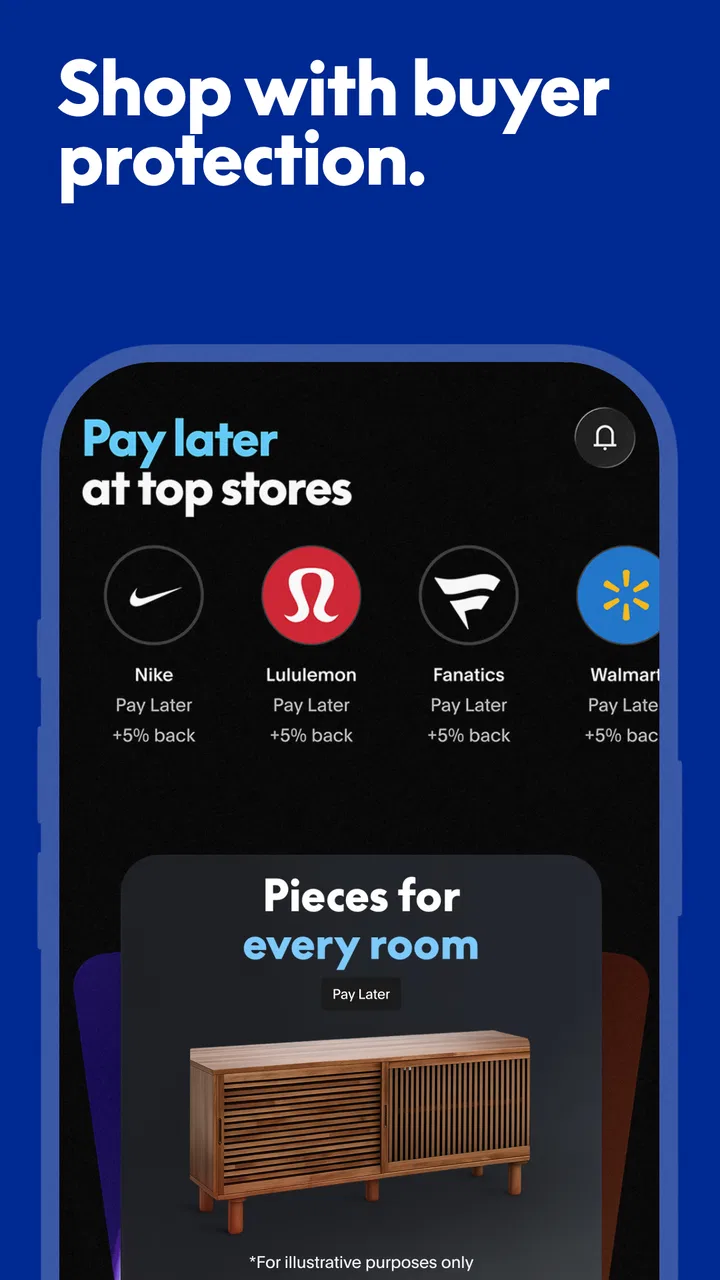
Its “pay in 4” option may interest shoppers who want to divide an eligible purchase into installments, but I would not treat that as a reason to buy something I cannot comfortably afford. Splitting a payment changes timing, not the underlying cost or responsibility. For me, the feature belongs in a careful budgeting decision, not in an impulse-purchase shortcut. If you prefer to keep every purchase immediately settled, ordinary payment is the clearer choice.
The app is also not the right fit for someone who wants a completely invisible payment layer. You still need to check who is being paid, what amount is shown, and whether the result is clear. People who dislike account-based digital wallets, who regularly operate without a connection, or who need advanced financial planning may be happier with cash, direct banking tools, or a dedicated budgeting application. PayPal earns its place when its particular convenience matches the situation.
Version, compatibility, and everyday expectations
The current version is 8.97.0, and the app supports Android 7.0 and later. That makes it relevant to people who keep older Android phones, although the quality of the experience will still depend on the device, its security condition, and the quality of the network around you. A supported operating system does not guarantee that every payment moment will feel equally smooth on every handset.
Because it is free to install, the main decision is not an upfront purchase. The more important questions are whether your contacts and preferred merchants use PayPal, whether you are comfortable managing payments through a mobile account, and whether you have a dependable backup for moments when the service or your connection is inconvenient. I would answer those questions before moving regular financial activity into any wallet.
In my experience, the app’s best quality is not that it makes money effortless in every circumstance. It makes familiar actions compact when the surrounding conditions are right. A good connection, a carefully checked recipient, and a clear confirmation turn it into a useful everyday tool. A weak connection, a rushed checkout, or an ambiguous contact exposes its limits quickly.
My final take on PayPal for connected mobile payments
I would recommend PayPal to people who frequently send money to friends, shop with their phones, or want a recognizable payment option that many recipients already understand. The free price, Everyone age rating, broad adoption, and simple mobile focus make it approachable. PayPal Mobile has built an app that can be genuinely convenient without requiring every transaction to become a banking project.
I would be more selective if you need offline certainty, detailed financial management, or a payment method that works independently of the recipient’s preferred service. In those cases, a bank app, cash, or another wallet may be the better companion. I would also keep a backup payment method for travel, crowded venues, and any purchase where a failed connection could leave you stranded.
My verdict is positive, with one condition: use it as a connected payment tool, not as a substitute for attention. Prepare the details, confirm the recipient, wait for a definite result, and check activity before retrying a slow transaction. Follow those habits and PayPal becomes a practical part of mobile life rather than a source of avoidable uncertainty. For me, that is the difference between merely having a finance app installed and actually using it well.
FAQs for PayPal - Pay, Send, Save
01What features does the PayPal app offer for managing my finances?
The PayPal app provides a comprehensive suite for managing your finances, including sending and receiving payments, tracking your transaction history, and accessing various currencies. It also allows you to manage subscriptions, set up direct deposits, and utilize the PayPal Savings feature to grow your funds. Additionally, the app supports QR code payments for seamless in-store transactions.
02How secure is the PayPal app for transactions and personal information?
Security is a top priority for PayPal. The app uses advanced encryption and fraud detection technologies to protect your transactions and personal data. Two-factor authentication is available to add an extra layer of security. PayPal also offers purchase protection for eligible transactions, ensuring you can shop with peace of mind.
03Are there any fees associated with using the PayPal app for transactions?
PayPal charges certain fees depending on the type of transaction. Sending money domestically to friends and family is typically free when using your PayPal balance or linked bank account. However, fees may apply for credit card transactions, international transfers, and currency conversions. It's advisable to review PayPal's fee structure for specific details.
04What devices and operating systems are compatible with the PayPal app?
The PayPal app is compatible with most modern Android and iOS devices. It requires Android version 5.0 or higher and iOS 11.0 or later. You can download the app from the Google Play Store or Apple App Store. Regular updates ensure the app remains compatible with the latest devices and operating systems.
05How can I resolve issues or seek help with the PayPal app?
If you encounter issues with the PayPal app, you can access the in-app help center for guidance on common problems. For personalized support, the app offers customer service via chat, email, or phone. Additionally, the PayPal community forum can be a valuable resource for troubleshooting and learning from other users' experiences.
Pros
- Easy to navigate user interface.
- Supports multiple currencies.
- Secure payment processing.
- Quick money transfers.
- Widely accepted globally.
Cons
- High transaction fees.
- Limited customer support.
- Account holds without notice.
- Complex dispute resolution.
- Not all features available worldwide.

PayPal - Pay, Send, Save
Gallery